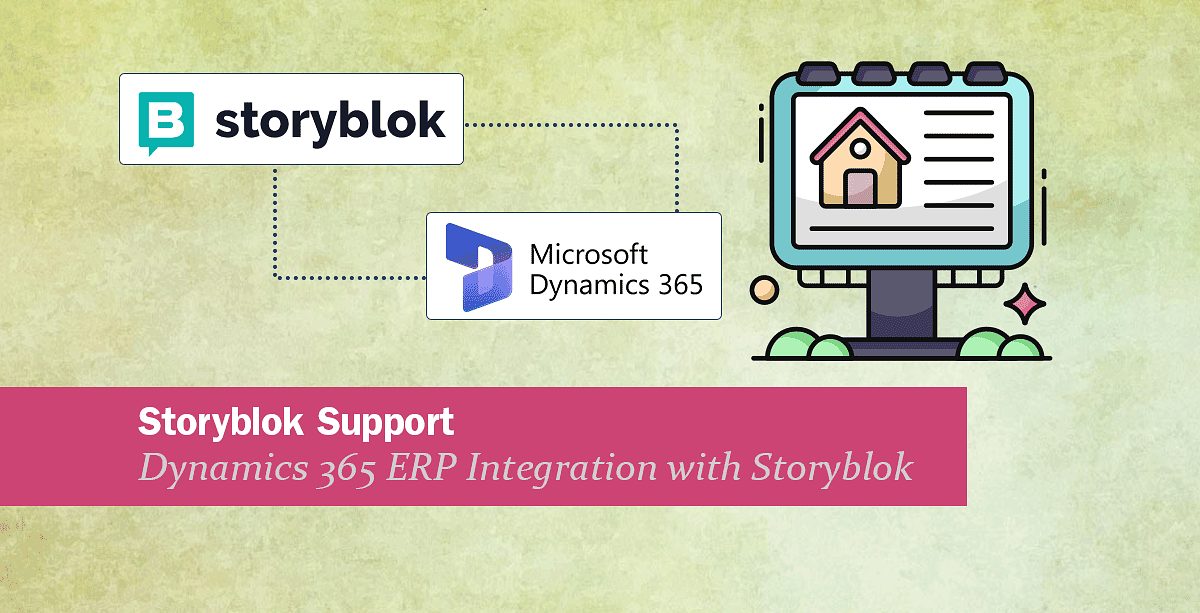
Storyblok Support: Dynamics 365 ERP integration with Storyblok
We are happy to inform you that we have added Storyblok support to our collection of supported endpoints. This means you can now, for example, send data from Dynamics 365 ERP (and other systems) into Storyblok and back via Rapidi.
If you, for example, manage property listings or other structured content in Microsoft Dynamics 365 ERP, you often need a flexible way to publish that data on modern websites. Many teams now use Storyblok as a headless CMS for this.
Learn how to sync property listings from Dynamics 365 ERP to Headless Storyblok CMS to eliminate manual updates, ensure consistent information, and speed up real estate content delivery.
STORYBlOK Support
Rapidi now supports Storyblok as a destination in your integration flows. In practice, this lets you as an example:
- Read structured data from Dynamics 365 ERP (for example, property records)
- Map fields into a Storyblok content model
- Create or update stories through the Storyblok Management API
- Work with localized content and environments (sandbox, staging, production)
Our first reference pattern focuses on property listings: syncing IDs, prices, availability, and attributes from Dynamics 365 ERP into Storyblok, while editors manage copy, media, and SEO in Storyblok.
How the Dynamics 365 ERP → Storyblok INTEGRATION works
At a high level, the flow looks like this:
- Source: Dynamics 365 ERP
Exposes property data through an API or view.
Holds IDs, prices, currency, availability, attributes, and key dates. - Rapidi integration layer
Reads new and changed records from Dynamics 365 ERP.
Applies mapping and transformation rules into a JSON schema.
Handles validation, logging, and error handling. - Destination: Storyblok
Uses a content type for property listings.
Receives JSON payloads through the Management API.
Creates or updates stories per property, including localization and SEO fields.
Ownership stays clear:
- Dynamics 365 ERP: identifiers, prices, currency, availability, key dates, core attributes, location basics
- Storyblok: titles, teasers, long descriptions, media galleries, SEO fields, localized content
Who IS this for?
This update is relevant if you:
- Already use Rapidi with Dynamics 365 ERP and want to publish structured content in Storyblok
- Run property-heavy or catalog-style sites (real estate, hotels, rentals, student housing, and similar)
- Plan to move from a traditional CMS to a headless setup with Storyblok
The pattern is not limited to property listings. The same approach can be used for other catalog content where Dynamics 365 (or another system) is the source of truth.
WANT TO LEARN MORE?
If you are an existing Rapidi customer and want to enable Storyblok as an endpoint (or any other endpoint):
- Contact your usual Rapidi consultant or our support team
- Share your current Dynamics 365 fields and your Storyblok content model
- We can review where our existing pattern fits and what needs to be adjusted
For a deeper walkthrough of the Dynamics 365 ERP–Storyblok property listing pattern, see our detailed article From ERP to Headless: Dynamics 365 ERP Integration with Storyblok for Property Listings