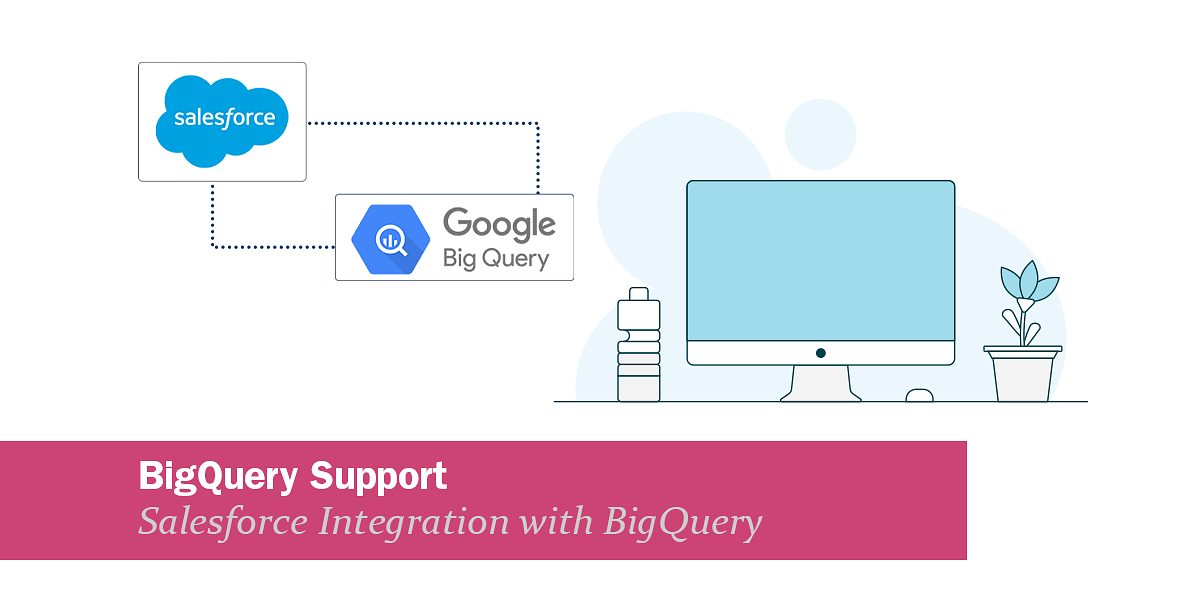
BigQuery Support: BigQuery integration with Salesforce
We are happy to inform you that we have added support for Google BigQuery to our list of supported endpoints. This means you can now, for example, send data from Google BigQuery into Salesforce (or any other system) and back via Rapidi.
Rapidi now supports Google BigQuery as a connection point. You can pull modeled BigQuery data (tables or views) and sync it into Salesforce.
Sales and Customer Success can see key signals directly on the records they work in.
This pattern supports:
- Health scores
- Segmentation
- Lifecycle status
- Other warehouse-driven fields inside Salesforce
- And more
Google BigQuery Support
Rapidi supports Google BigQuery as a connection point in your integration flows.
In practice, this lets you:
- Read modeled data from BigQuery (tables, views)
- Map BigQuery columns to Salesforce objects and fields
- Create or update records using upsert logic (Record ID or External ID matching)
- Run scheduled syncs with incremental updates
A typical first pattern is writing BigQuery signals back to Salesforce Accounts, Contacts, or custom objects.
This helps teams act without exporting data.
How the BigQuery → Salesforce integration works
At a high level, the flow looks like this:
- Source: Google BigQuery
Holds your analytics-ready data.
Health scores, segments, usage indicators, lifecycle fields. - Rapidi integration layer
Reads new and changed rows from BigQuery.
Applies mapping and transformation rules.
Handles logging and error handling. - Destination: Salesforce
Receives updates on Accounts, Contacts, Opportunities, or custom objects.
Makes the data available for reporting, views, and automation.
Ownership stays clear:
- BigQuery: definitions, calculations, scoring logic, modeled datasets
- Salesforce: record context, activities, workflows, and execution
Who is this for?
This update is relevant if you:
- Use BigQuery as your analytics hub and want the output inside Salesforce
- Want one source of truth for scores and segments, but action in the CRM
- Need repeatable syncs without manual exports and updates
- Plan to reuse the same BigQuery model across more systems later
Want to learn more?
If you’re an existing Rapidi customer and want to enable Google BigQuery as an endpoint, contact the Rapidi support team, and we will be happy to assist you further.
For a deeper walkthrough, please read this article: Google BigQuery and Salesforce Integration Guide