Salesforce integration
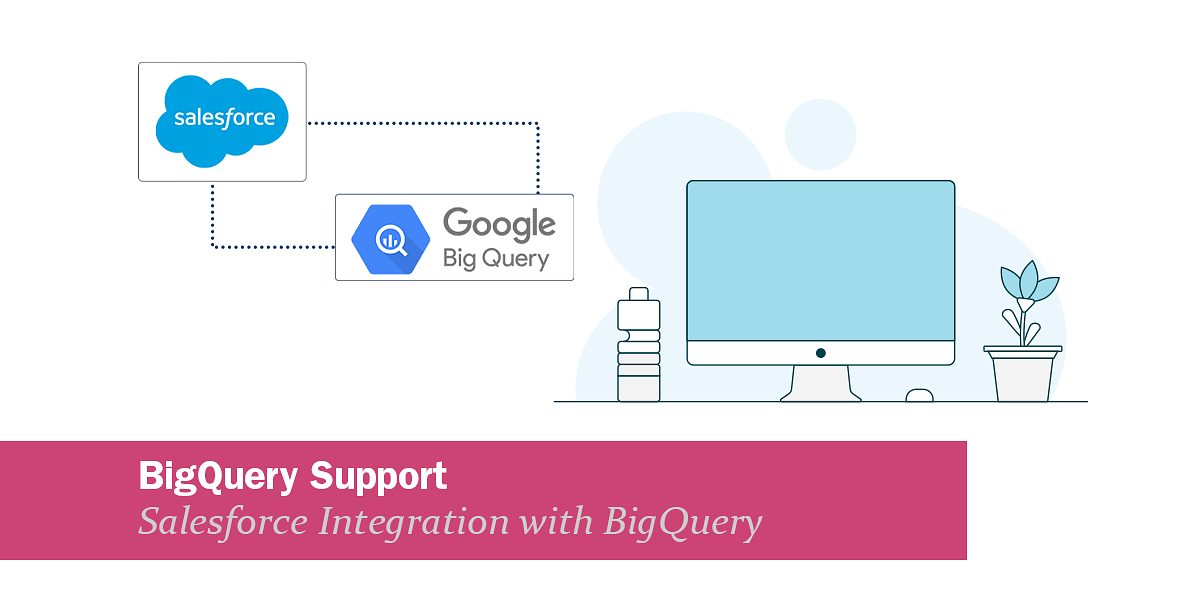
BigQuery Support: BigQuery integration with Salesforce
We are happy to inform you that we have added support for Google BigQuery to our list of supported endpoints. This means you can now, for example, send data from Google BigQuery into Salesforce (or any other system) and back via Rapidi.
Read the article →
Salesforce Security Updates 2025: Crucial Steps for Rapidi Customers
Salesforce is rolling out new security measures that will impact how all integrations, including those with Rapidi, connect to Salesforce. These changes will take effect on August 28, 2025, for new Salesforce organizations, and in early September 2025 for existing ones. If you use Rapidi to connect Salesforce with other systems, you need to act now to avoid disruption.
Read the article →
Real-Time Sync with Salesforce: Instantly Update Your ERP via Rapidi
When working with CRM and ERP integrations, timing is everything. The ability to sync any changes instantly between Salesforce and your ERP system ensures that your teams work with the most accurate and up-to-date information—whether it’s a new customer record, a quote update, or a closed opportunity.
Read the article →
DLRS & Rapidi: Accurate Financial Summaries in Salesforce
Many companies struggle to get good insights from their Salesforce data. Standard reports and roll-ups don’t always give you what you need, especially if you don’t want to write code. Declarative Lookup Roll-Up Summaries (DLRS) is a free tool that helps you summarize data in Salesforce, even when objects are connected by lookup relationships instead of master-detail relationships.
Read the article →
How Does Salesforce Multi‑Factor Authentication Affect Integrations?
Salesforce Multi‑Factor Authentication (MFA) affects integrations by requiring an additional verification step for any interactive login.
Read the article →
How to set up the Salesforce Integration User
The Salesforce Integration User License provides a dedicated, API-focused account for system-to-system integrations. To set it up, create a new user in Salesforce, assign the Integration User License, and use it for API-only access to your integrations. This ensures secure, reliable, and cost-effective connections without relying on regular interactive accounts.
Read the article →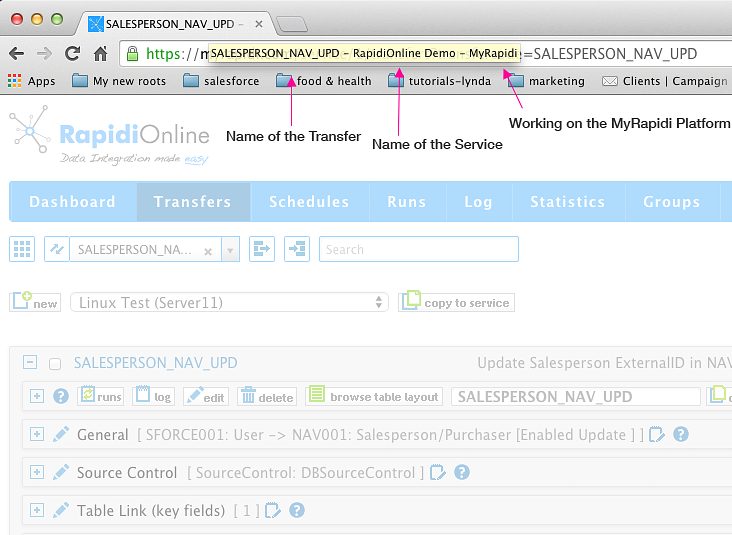
Easier to Navigate Between Multiple MyRapidi Browser Tabs
When working with MyRapidi we often find ourselves having multiple browser tabs or even several browser windows open at the same time. We have one tab with a Transfer that we work on and other tabs with Transfers that we copy stuff from and tabs with Schedules and Connections etc.
Read the article →
MyRapidi Log and Runs Optimized for Faster Response Time
In our ongoing effort to ensure fast response time of the MyRapidi platform we have done some changes to the Filtering and Search functionality under Log and Runs.
Read the article →
MyRapidi User Interface Updates and New Features (December 2014)
We are pleased to announce a number of updates to the MyRapidi.com user interface and also some new functionality.
Read the article →For Salesforce.com we changed the way we send Double fields (version 3.2.88p)
For Salesforce.com we where sending a null value (or setting the field to null) if the value of an existing record with a Double (Numeric) field was 0. This was leading to errors from SFDC in some situation - for example when updating prices in SFDC.
Read the article →